Comparison
LibreWolf vs Mullvad Browser: which browser is better in 2026?
LibreWolf wins 2 of our five scores to 1. With balanced priorities, LibreWolf comes out ahead. Here's how they differ on privacy, polish, extensions, AI and price. Updated November 2026.


Side by side
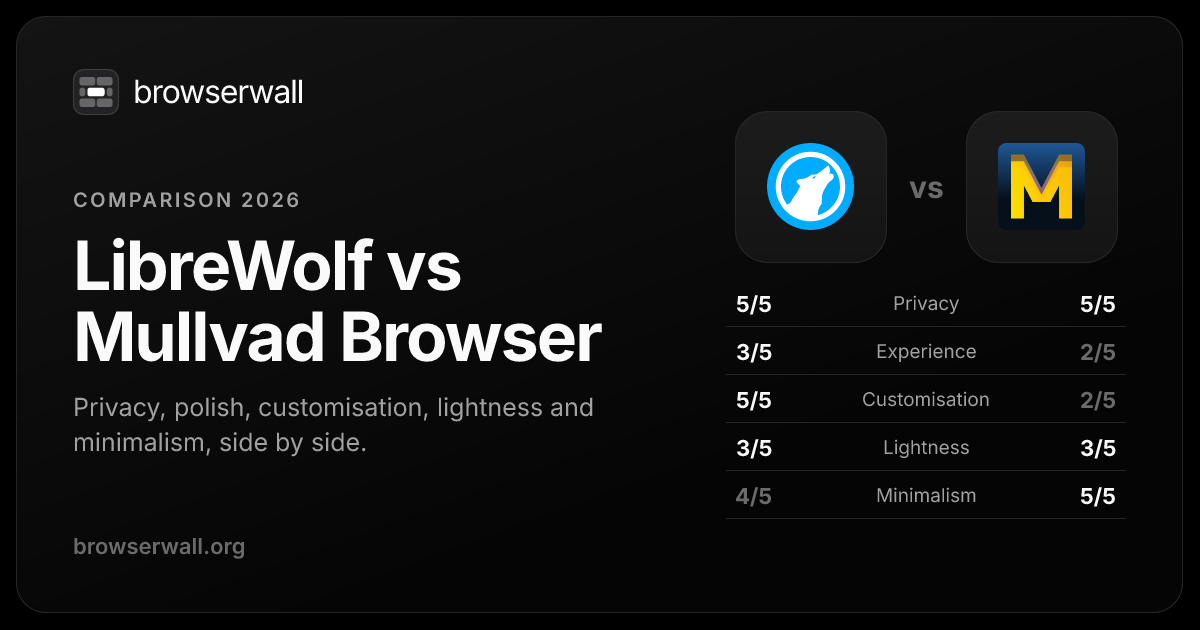
| Category | LibreWolf | Mullvad Browser |
|---|---|---|
| Privacy | 5/5 | 5/5 |
| Out-of-box experience | 3/5 | 2/5 |
| Customisation | 5/5 | 2/5 |
| Lightness | 3/5 | 3/5 |
| Minimalism | 4/5 | 5/5 |
| Runs on | Windows, macOS, Linux, BSD | Windows, macOS, Linux |
| Engine | Gecko (Firefox) | Gecko (Tor Browser) |
| Extensions | Firefox add-ons | Firefox add-ons |
| Price | Free | Free |
| Source code | Open source | Open source |
| Built-in AI | None | None |
| Built-in features | Ad blocker, Vertical tabs, Split view, No Google services, Hardened, Sync | Ad blocker, Vertical tabs, Hardened |
| Status | Actively developed | Actively developed |
Which should you choose?
Choose LibreWolf if…
- You like to tweak layouts, themes and settings (customisation 5/5 vs 2/5)
- You want something polished that just works (out-of-box experience 3/5 vs 2/5)
- You're on BSD – Mullvad Browser doesn't run there
- You want split view for two pages side by side, no Google services at all and built-in sync across devices
Choose Mullvad Browser if…
- You want fewer bundled extras (minimalism 5/5 vs 4/5)
- Balanced prioritiesLibreWolf
- Privacy firstLibreWolf
- Light on resourcesLibreWolf
- Customisation firstLibreWolf
Picks come from the same engine as the browser quiz, with one quality set to "Top priority".
Scores in detail
LibreWolf
Widely cited as the practical no-telemetry Firefox daily driver with uBlock Origin built in. The usual caveats are occasional site breakage from resistFingerprinting and strict cookie clearing, and on some platforms no built-in auto-update.
Mullvad Browser
Built with the Tor Project as Tor Browser without the Tor network: top-tier anti-fingerprinting and no telemetry. The trade-off is daily-driver comfort: it always runs in private mode, so history, cookies and logins are wiped every time you close it, letterboxing and fingerprint resistance trigger more CAPTCHAs and break some sites, and there's no sync – hence experience 2/5.
LibreWolf vs Mullvad Browser at a glance
FAQ
Is LibreWolf better than Mullvad Browser?
LibreWolf wins 2 of our five scores to 1. With balanced priorities, LibreWolf comes out ahead. The better choice depends on what you need: pick LibreWolf if you like to tweak layouts, themes and settings (customisation 5/5 vs 2/5); pick Mullvad Browser if you want fewer bundled extras (minimalism 5/5 vs 4/5).
Is LibreWolf more private than Mullvad Browser?
They're level: LibreWolf scores 5/5 on privacy and Mullvad Browser 5/5. We judge privacy on the business model and default settings, not on marketing.
Which uses less RAM, LibreWolf or Mullvad Browser?
They score the same on lightness (3/5). Real use depends far more on how many tabs and extensions you run than on the browser.
Can I use the same extensions in LibreWolf and Mullvad Browser?
Yes. Both use Firefox add-ons, so your extensions carry over.
Can I switch from LibreWolf to Mullvad Browser without losing anything?
Yes. Mullvad Browser can import bookmarks, saved passwords and history on first launch, and you can keep LibreWolf installed while you try it.
More comparisons
Compare any two to four browsers with the comparison tool, or see LibreWolf alternatives.